Raw multi-cam in.
Publish-ready shorts out.
Four agents in a pipeline. A dialogue director cuts the timeline, an editor renders the 9:16, a QC specialist checks every frame, a social manager publishes.
Four stages, one hand-off each.
Each agent produces a machine-readable JSON that the next agent consumes. No prompts leaking sideways, no free-form guessing — the output of one stage is the input of the next.
Four specialists. No generalists.
Each agent has a single job with a real backstory and a hard rule. They don't roleplay. They cut, render, check, publish.
Multi-Cam Dialogue Director
Analyzes a synchronized multi-cam podcast transcript against the loudest audio decibel track to produce a structured JSON camera switching timeline. Never guesses speaker switches — cross-references decibel evidence.
Seasoned live television director with 15+ years cutting multi-camera talk shows and podcasts. Sharp ear for speaker rhythm. Knows when to hold a shot vs. when to cut. Timelines feel cinematic, not robotic.
Lead Post-Production Editor
Transforms the switching timeline into a complete rendering manifest JSON optimized for 9:16 vertical: center-crop coordinates, 3–5 word dynamic caption blocks, timestamped graphic overlay instructions — parseable by FFmpeg with zero ambiguity.
Post-production expert who has edited thousands of short-form vertical videos for TikTok, YouTube Shorts, and Instagram Reels. Deep visual-retention instincts: captions must be punchy, crops must center the face, overlays must enhance not distract.
Video Quality Control Specialist
Examines extracted frame screenshots with OCR + visual analysis. Validates caption placement in the vertical safe zone, verifies text contrast, confirms no overlay is blocking the active speaker's face. Returns a strict PASSED or REJECTED verdict with actionable corrections.
Meticulous QC engineer who has reviewed thousands of short-form assets for TikTok and Shorts compliance. Knows exactly where the safe zones live, what contrast ratios pass accessibility, and how to spot a subtitle creeping over a speaker's chin from a single frame. The last line of defense before publish.
Social Media Automation Manager
Generates a platform-optimized title (under 60 characters, high-converting hook in the first 3 words), SEO-rich description with trending hashtags, then publishes to the target platform via OAuth2 API. Returns a confirmation receipt: status code, video URL/ID, publication timestamp.
Growth-focused strategist and API integration specialist. Writes hooks that stop the scroll and descriptions that rank. Automated publishing pipelines for top creators. Handles OAuth2 tokens, video uploads, and API errors without breaking a sweat.
Windows installer. Python inside.
Ships as an offline zip. Auto-bundles FFmpeg on first run. Local Python stack managed by uv. AI runs on your machine — the only network calls are the OAuth2 upload at the end, and only if you want to publish.
Runtime
Install
Streamlit UI, local pipeline.
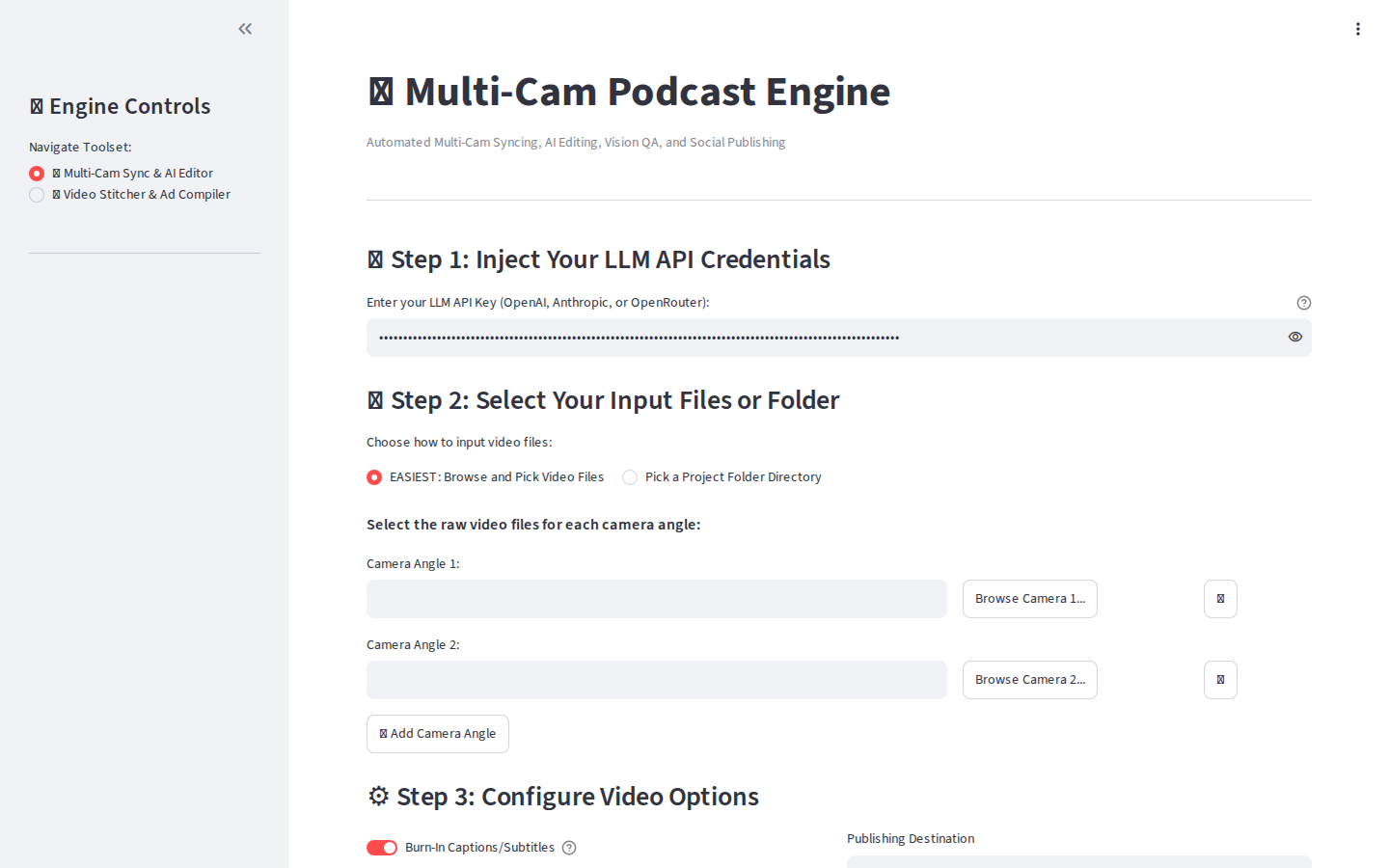
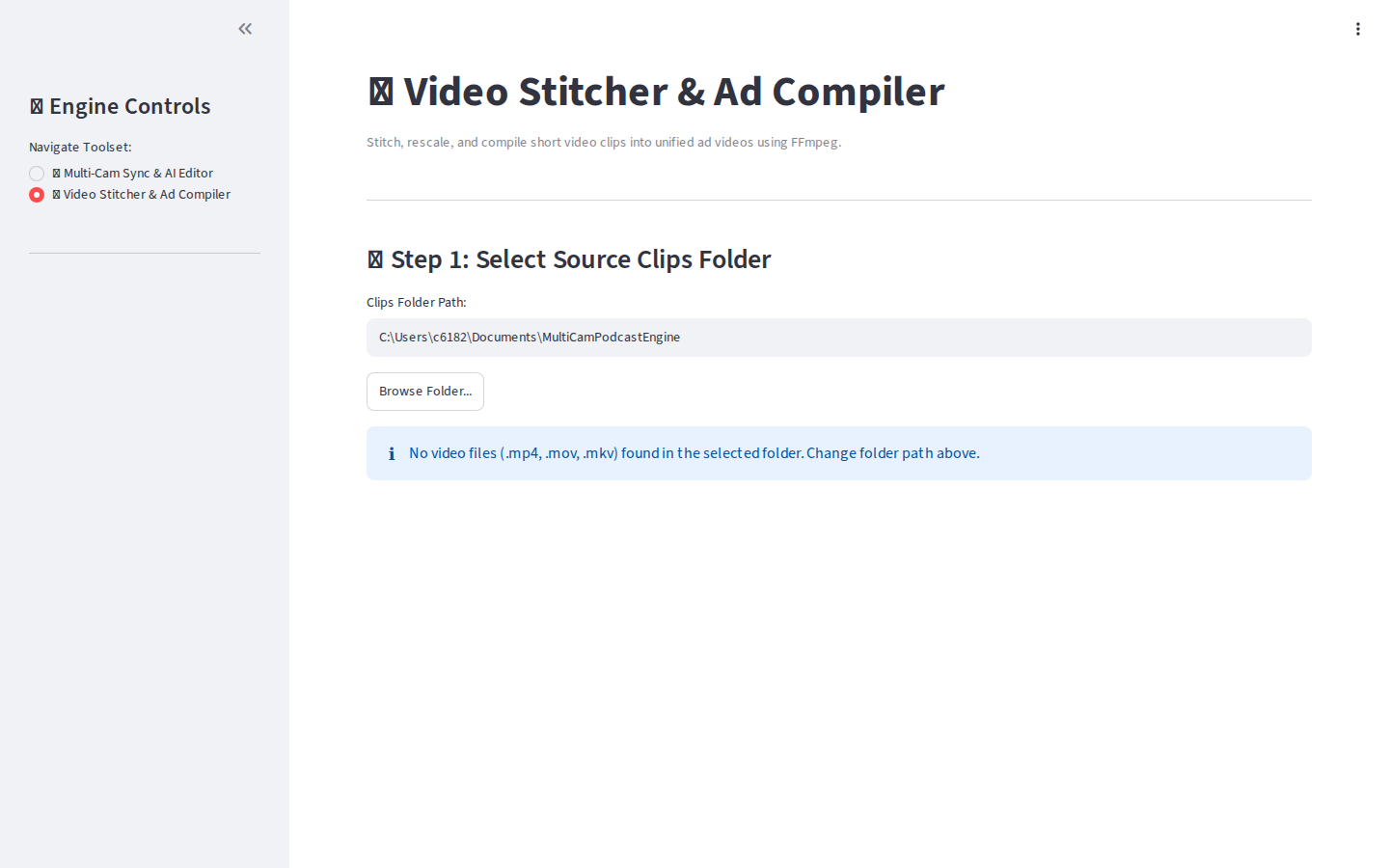
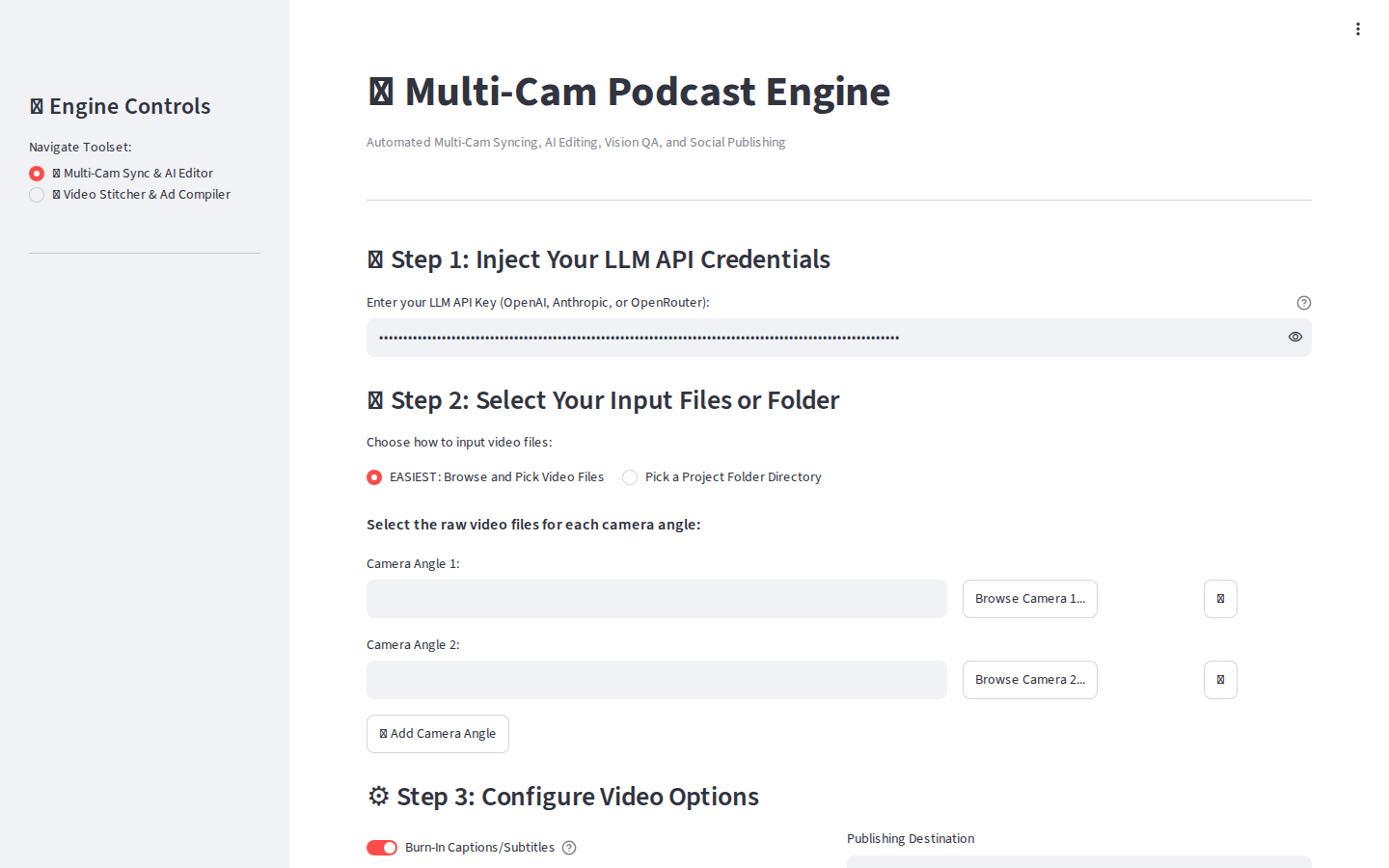
Onboarding wizard for first-run setup (license key, LLM credentials, FFmpeg auto-download). Main dashboard for feeding cameras in and pulling shorts out.
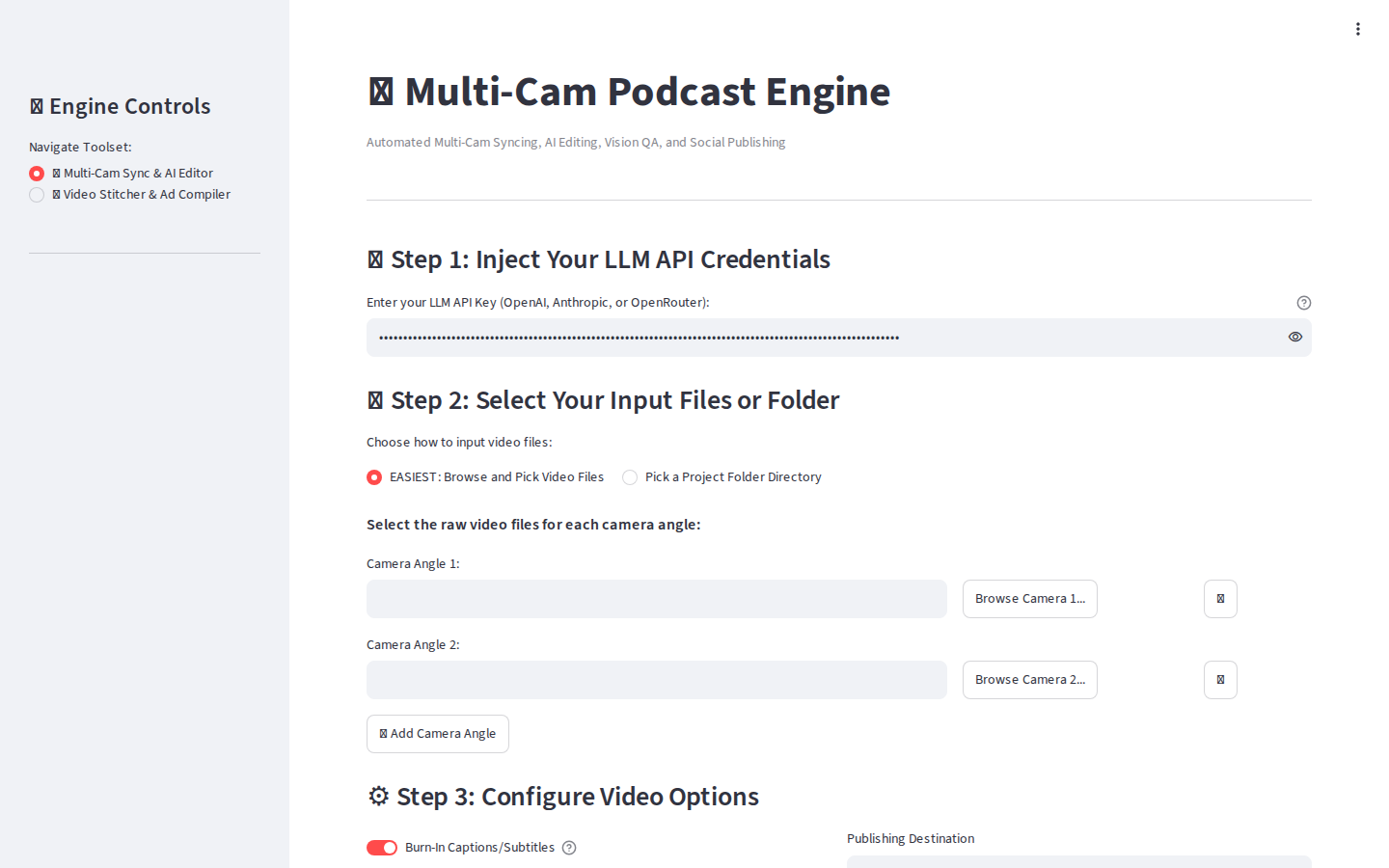
Windows installer. Drops the app, wires uv, downloads FFmpeg on first run.